![crown-sterling-line-white.png]](https://help.crownsterling.io/hs-fs/hubfs/crown-sterling-line-white.png?height=50&name=crown-sterling-line-white.png)
Prior to starting, please ensure you are on a desktop computer. We also recommend using Chrome as your browser since others may not allow extensions.
-
Prepare your SubWallet account
- Using Chrome on your computer, go to SubWallet.app and install the browser extension. Make sure you allow pop ups in your browser settings
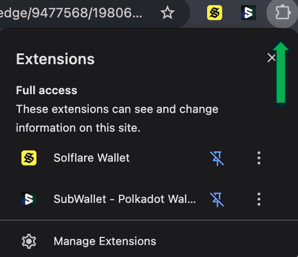
- Create your SubWallet account. Make sure to save your password and recovery key
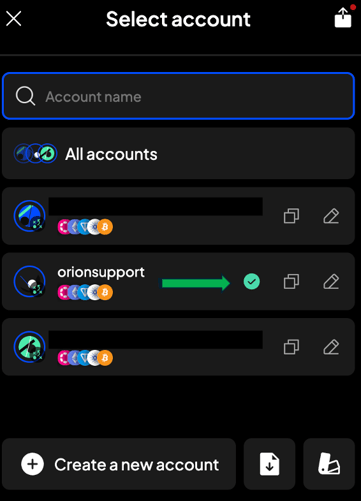
- Confirm the wallet you are using for the transfer is selected (you will see your account name in place of orionsupport)

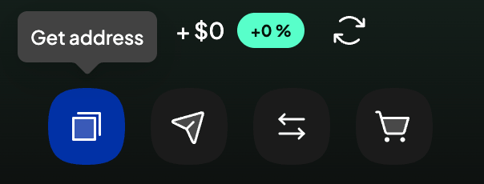
- Once your account is created, click “Get address” on the home page
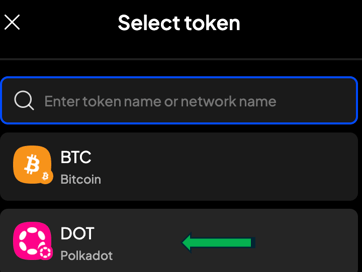
- Select “DOT” Polkadot
- Click “View on explorer” - this will open a new window

- Click the copy button underneath the Polkadot address (next to the circle with multiple colored polkadots). You will see “Copy Succeeded” pop up once completed
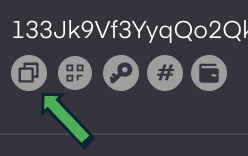
- Using Chrome on your computer, go to SubWallet.app and install the browser extension. Make sure you allow pop ups in your browser settings
-
Transferring your CSOV to SubWallet
- Login to your Crown Sterling Wallet
- Select Transfer at the top right
- Paste the Polkadot address in and type in the amount of your active balance. Click Transfer.
- ***Please note you will not see your CSOV in SubWallet. You will see your CSOV balance populate on the Legacy Bridge page in step 4 once you connect your Polkadot address. ***
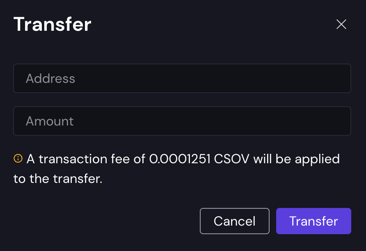
- ***Please note you will not see your CSOV in SubWallet. You will see your CSOV balance populate on the Legacy Bridge page in step 4 once you connect your Polkadot address. ***
-
Creating a Solflare account
- Go to Solflare.com and download the Chrome extension
- Create your Solflare account
- Fund your account with $10 of SOL - click “Buy” and select your payment method
- Please note there are multiple ways to purchase and can vary depending on your location
- Please note there are multiple ways to purchase and can vary depending on your location
-
Swap your CSOV to Orion Architect token
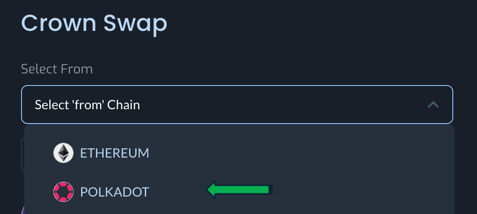
- Go to the Legacy Bridge page- choose Polkadot from the drop down menu
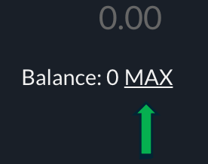
- Connect your SubWallet and click “MAX” to populate the entire amount of CSOV
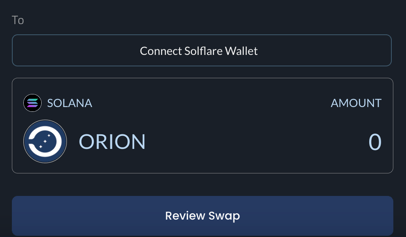
- Connect Solflare Wallet and Review Swap. It may take a few minutes to complete
- Once the swap is complete you will be able to view the Token Status Page where you can confirm that your Legacy Bridge submission was successfully recorded and view your status of the ORION Architect token allocation
Please see our FAQs for more info on this and other commonly asked questions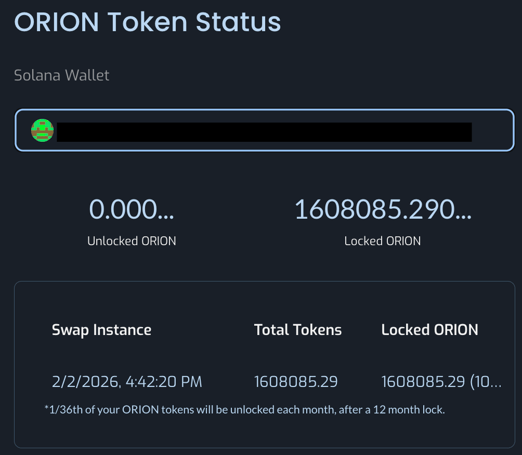
- Go to the Legacy Bridge page- choose Polkadot from the drop down menu