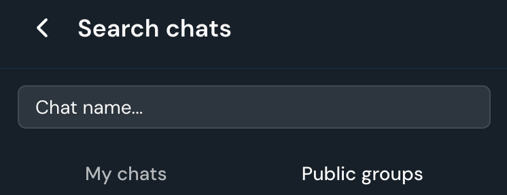
- If you know the name of the group you want to join, click the search bar.

- Select Public groups and start typing the name of the group.
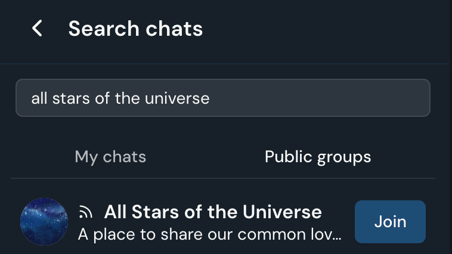
- Once you find the group, click Join.
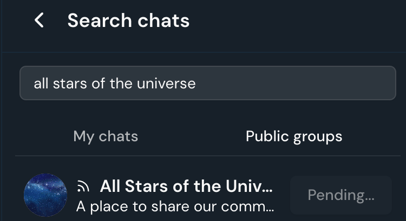
- Confirm your request to join the group, and the group owner/admin will be notified. It will show that your request is pending.

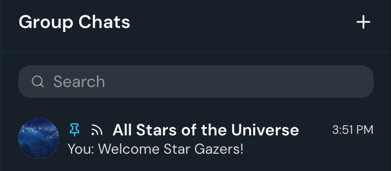
- Once you've been accepted, you will see the group in your group chat list.
- If you don't know what groups you want to join, check out the Group List Chat that you are automatically added to upon joining. There is a master group list pinned to the chat of the public groups available to join.

English
![crown-sterling-line-white.png]](https://help.crownsterling.io/hs-fs/hubfs/crown-sterling-line-white.png?height=50&name=crown-sterling-line-white.png)